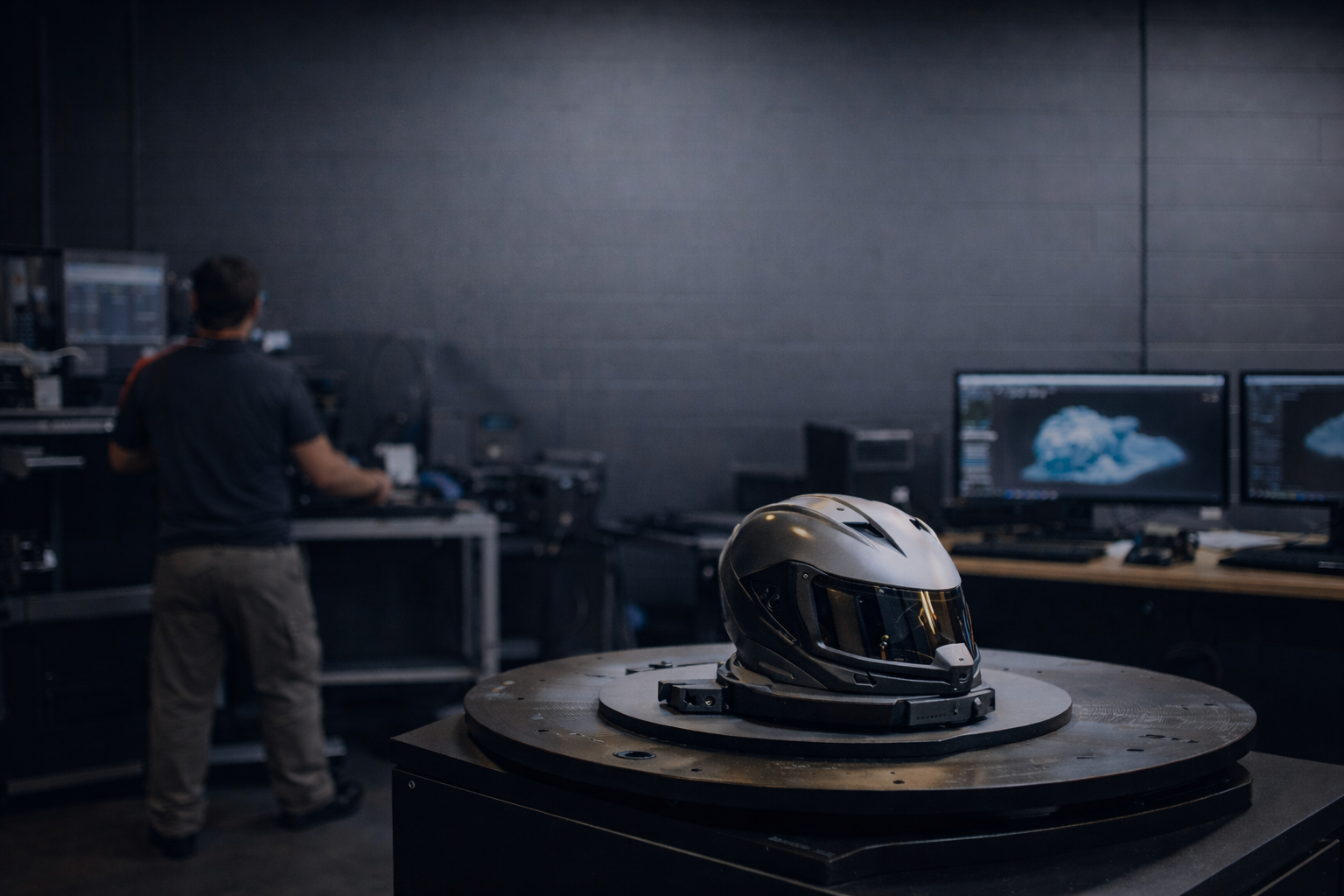
Scan real world objects at a ScanHub access location and get professional 3D scan files in minutes.
Bring your object. Scan it. Get clean, ready-to-use files.
No scanners to buy. Real locations. CAD and design-ready files.


“Our scan time dropped to minutes. ”
St. Clair College
School of Engineering Technologies, Apprenticeships, & Skilled Trades

3D Scanning Without Owning a Scanner
ScanHub exists because getting 3D data should not slow people down.
After 15 years working with engineers, makers, and manufacturers, we saw how hard it was to access reliable 3D scanning. There had to be a better way.
ScanHub makes 3D scanning simple. Buy a Scan Pack online, receive your PIN, and scan your object at a Hub in minutes. Get the data you need to move forward faster.
Trusted by leading companies and educational institutions across Canada.





Your Scan in 3 Simple Steps
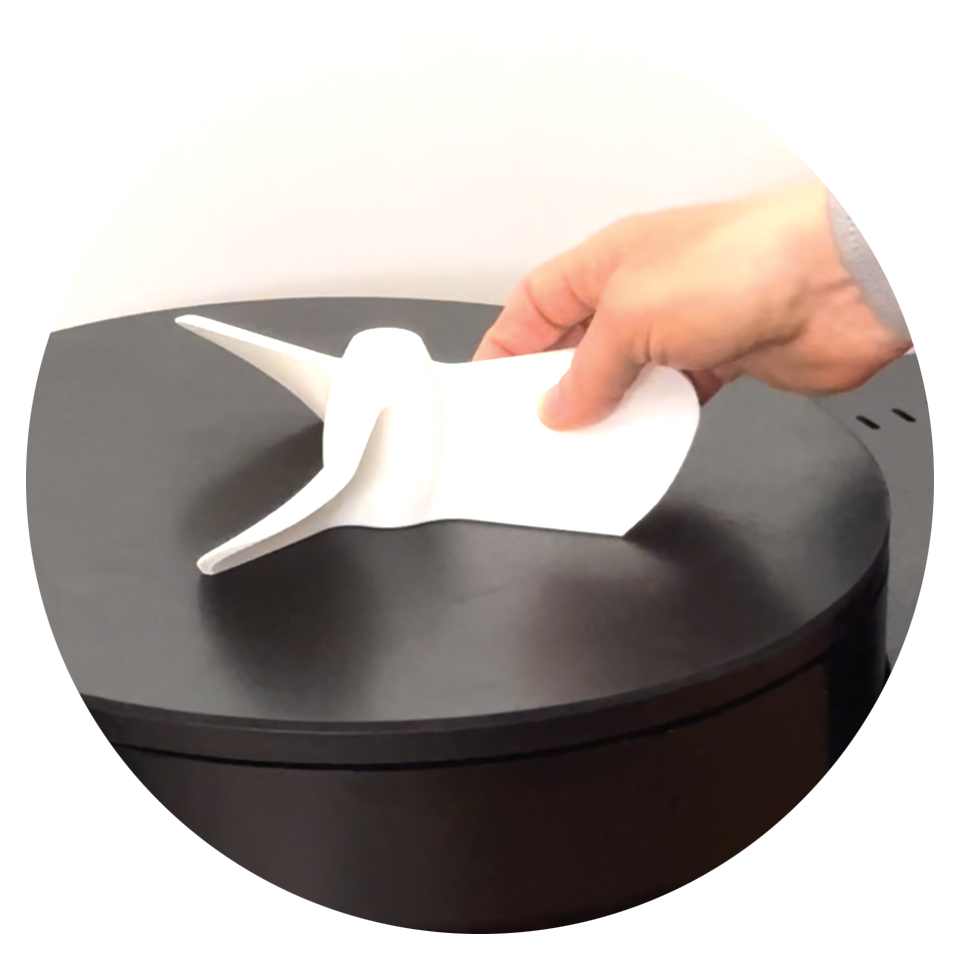
Step 1: Place Your Object
Set your object on the turntable. The system guides you every step of the way.
Step 2: Start Your Scan
Use the touch screen to begin. No training needed. On-screen guidance included.
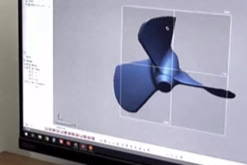
Step 3: Get Your Files Instantly
Your STL and OBJ files arrive by email in minutes. Ready for use.

Proudly designed, built, and supported in Canada.

Why ScanHub?
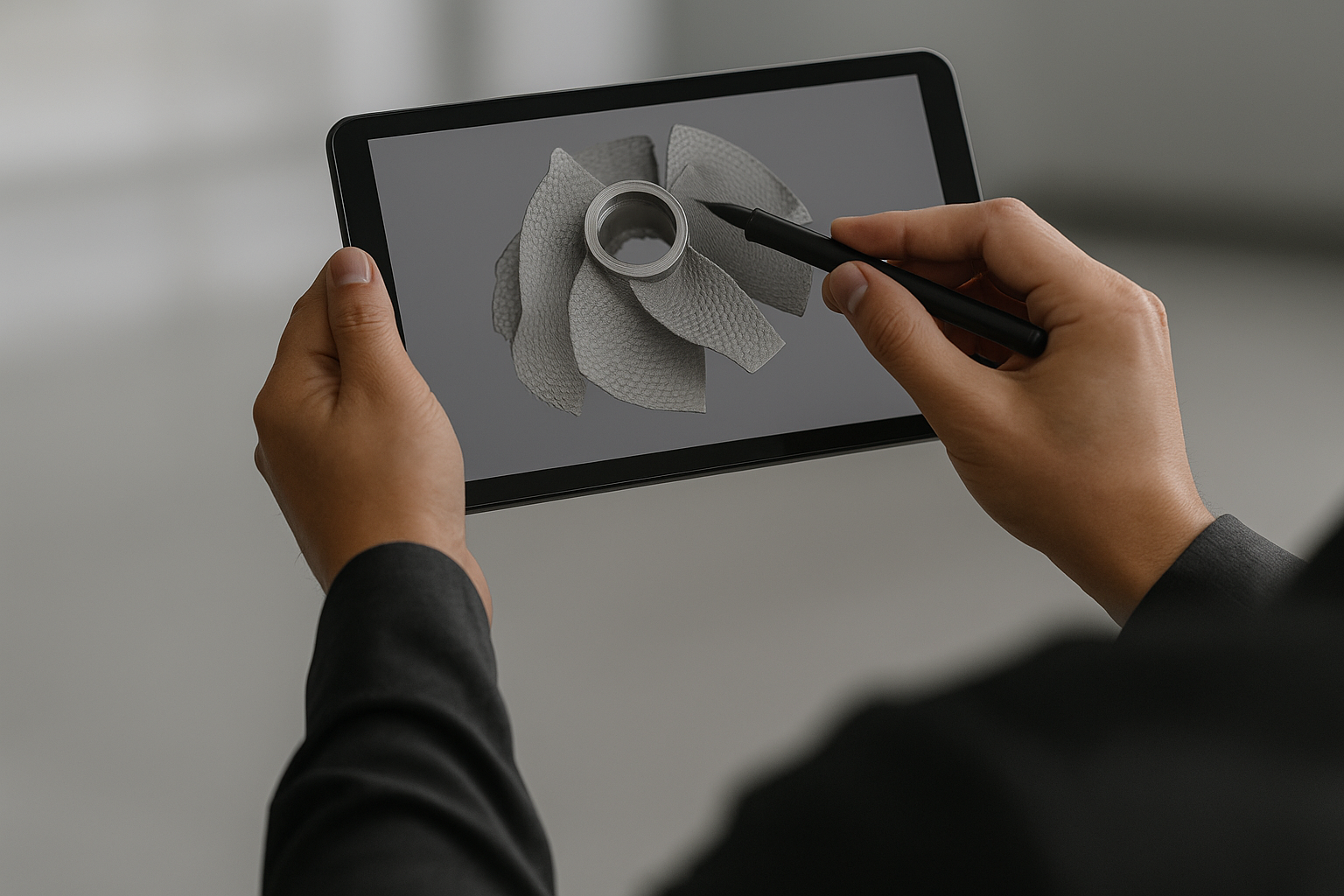
High-resolution scans in minutes
STL and OBJ files delivered instantly
No technical experience required
Easy on-screen prompts
Bring Your Object into the Digital World
Fast scans. Instant files. Endless possibilities.
Everything You Need to Know
-
You can scan most solid objects, including parts, prototypes, small assemblies, and everyday items that fit within the kiosk volume.
-
Your STL and OBJ files are delivered instantly by email and can also be downloaded to mobile using the QR code displayed at the kiosk.
-
ScanHub supports four object sizes:
Small (7 × 7 × 4 cm)
Medium (23 × 23 × 12 cm)
Large (32 × 32 × 13.5 cm)
Extra Large (45 × 45 × 16 cm)
Scan volumes differ by location. Check Find a Hub to see what is available at your chosen location.
-
ScanHub delivers high resolution meshes suitable for CAD reference, inspection, and 3D printing. Accuracy varies by object size and surface quality.
-
The S, M, and L ScanHub systems support objects up to 35 kg (77 lbs).
The XL system supports objects up to 92 kg (202 lbs). -
Most solid objects can be scanned. Very shiny, transparent, or black surfaces may need a light scanning spray. Each location has spray available, and it evaporates on its own within an hour.
-
No experience needed. ScanHub is designed for anyone to scan with confidence.
-
Most scans are completed in under 5 minutes. Fast in. Fast out.
-
You receive STL and OBJ files in minutes, ready for CAD, 3D printing, or inspection software.
-
Yes. Top and Bottom scans are automatically combined into one model. Multi Scan gives you six separate angles that you can align manually downstream.
-
Your 3D file will be available immediately by QR code and sent to you by email.
-
Just your object. We take care of the rest at the kiosk.
-
Yes. Your files are private and sent only to you. ScanHub does not store, share, or use your data.
-
Yes. Technical assistance is available at each Hub if you need support.