3D Scanner Rental or Purchase
Industrial 3D Scanning Without the Scanner.
A managed scanning kiosk in your facility on a monthly plan. No capital purchase and no specialist needed.
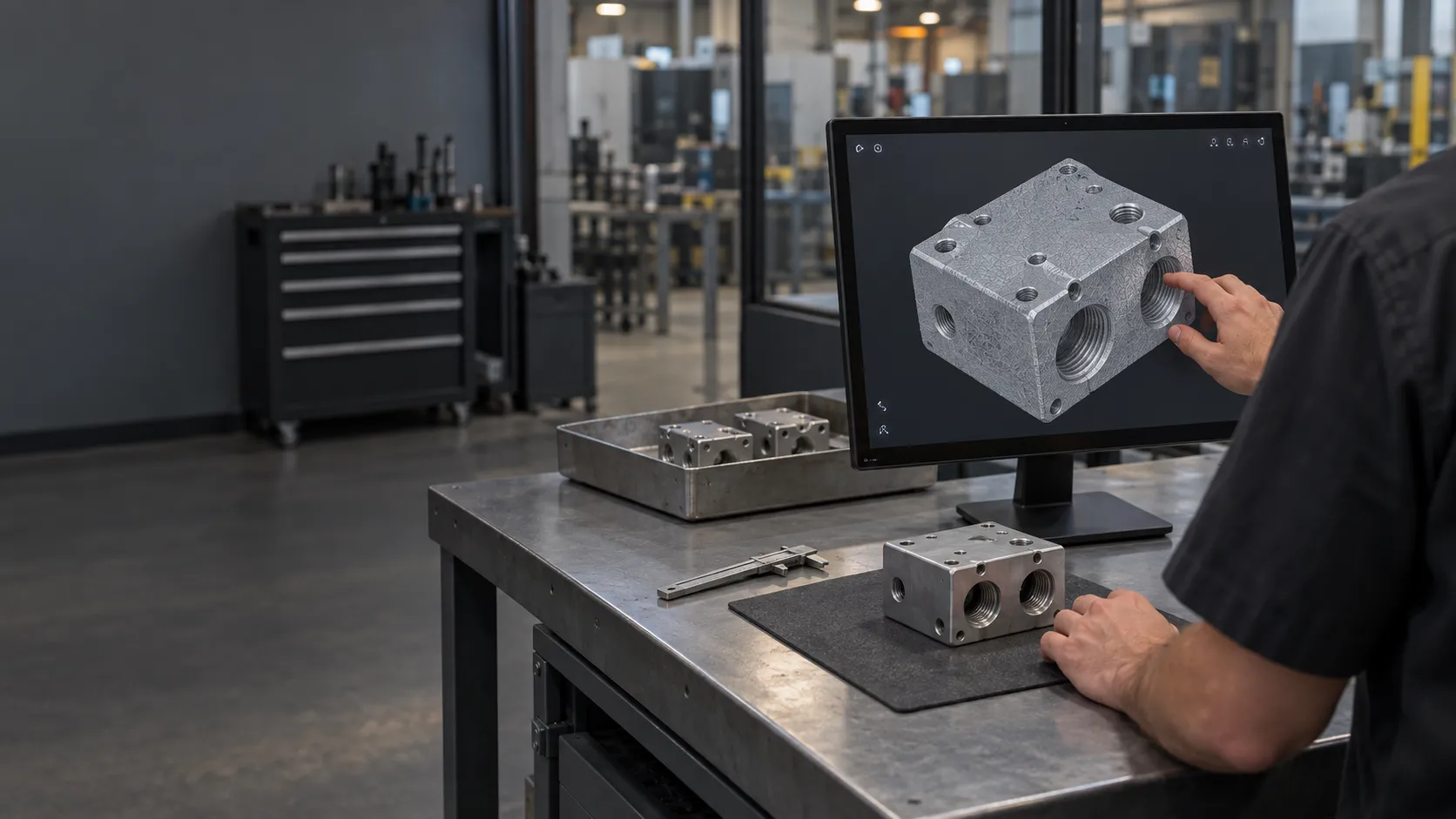
A managed scanning kiosk in your facility on a monthly plan. No capital purchase and no specialist needed.
Teams that need 3D scans regularly usually weigh three options. Here is how they differ in what your team has to take on.
| Buy a scanner | Rent a scanner | ScanHub kiosk | |
|---|---|---|---|
| Up-front cost | Capital purchase | Rental fee per period | No capital cost; fees quoted before you sign |
| Commitment | You own it | The rental period | 90-day pilot, then a subscription |
| Setup and calibration | Your team | Your team | Delivered and set up by us |
| Who can scan | A trained operator | A trained operator | Any team member, with on-screen steps |
| Maintenance and updates | Your responsibility | Varies by rental | Included, handled by our team |
| Network | Software on your computers | Software on your computers | Own cellular connection, does not join your network |
| Trying it first | Demo before you buy | Short rental | Demo, then a 90-day pilot with a usage report |
ScanHub runs on a hardware-as-a-service model. You pay monthly instead of buying the hardware outright, and the kiosk is owned and maintained by us.
A kiosk sized for your parts, from fine components up to 45 cm castings, with software updates handled by us.
Delivery and setup, usually within 30 days of a signed agreement. Needs a standard 120V outlet.
Hardware issues, updates and calibration handled by our team, with a response within one business day.
STL as standard, with STEP also available. Configured to deliver by email or to a local USB.
We install a kiosk at your facility for a 90-day pilot, with fees quoted before you sign. Monthly billing does not mean month-to-month: to continue after the pilot, you sign a separate subscription agreement. If you choose not to continue after completing the pilot, we remove the kiosk at no extra charge.
ScanHub is a monthly fee based on your scan volume. It is the same for every kiosk size, and there is no capital purchase. Fees are quoted in writing before you sign. Book a demo for a quote, or start with a 90-day pilot.
The kiosk hardware, software updates, calibration, maintenance and support from our team. If something breaks, we fix it.
You get a usage report with scan volume and team adoption. To keep the kiosk, you sign a separate subscription agreement. If you choose not to continue after completing the pilot, we remove the kiosk at no extra charge.
No. Billing is monthly, but it is not a month-to-month contract. After the 90-day pilot, continuing means a separate subscription agreement, with the term set out before you sign.
Yes. ScanHub is designed for shared use. Multiple users scan independently and get their files after each scan. An admin console reports scan volume across your deployment.
Start with a live demo, by video on a sample part or one of your parts shipped to us ahead of time, or in person by appointment at our Toronto office. Then prove it at your facility with a 90-day pilot.