Ways to Use ScanHub
3D Scanning Solutions for Your Parts
See how teams use a ScanHub kiosk to scan parts at their own facility and get files in minutes.
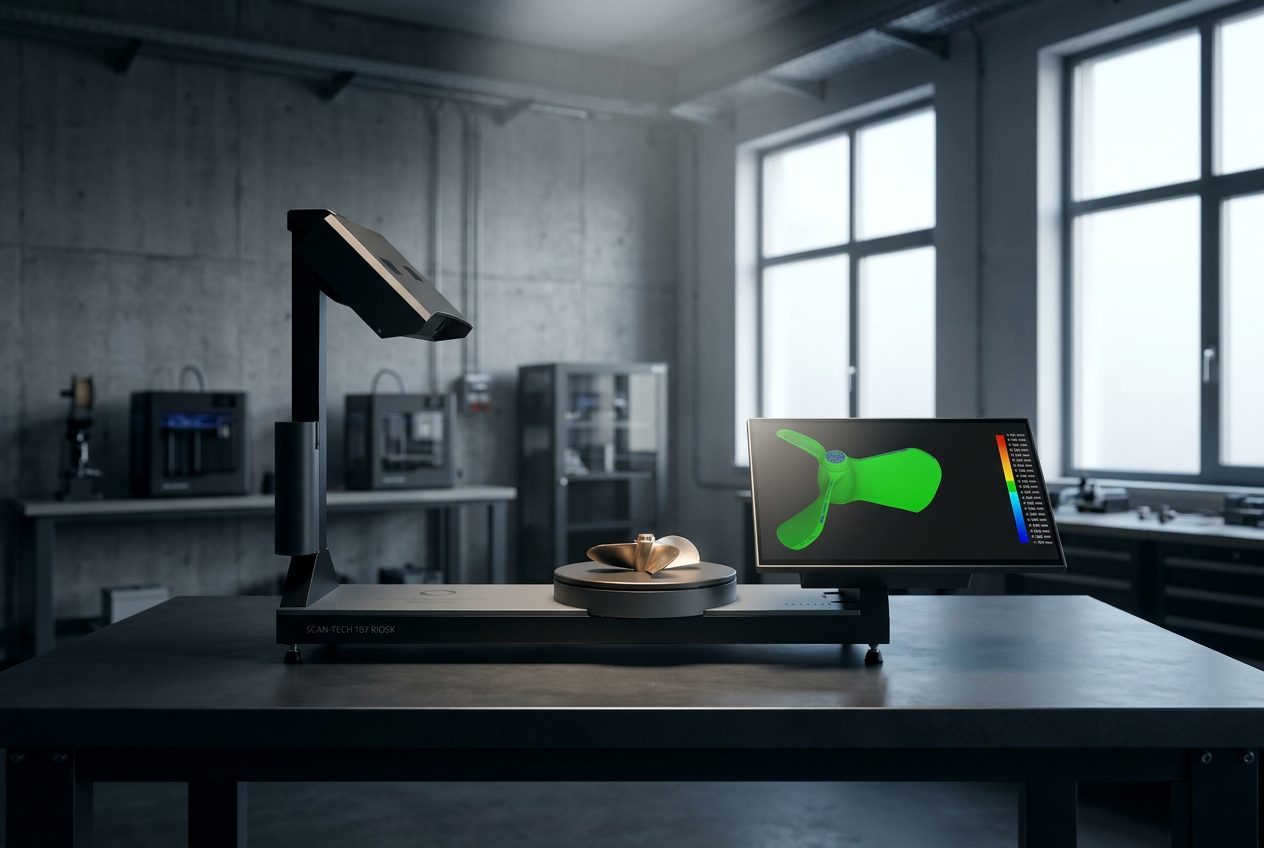
See how teams use a ScanHub kiosk to scan parts at their own facility and get files in minutes.
Find the right scanning workflow for your parts and your team.
Scan parts in-house, then take STL or STEP files into CAD.
Learn More → ToolingScan tools before and after modification to compare them.
Learn More → Supplier QuotesSend a supplier a scan file alongside your measurements.
Learn More → Buy or Rent?Why a managed kiosk can beat renting or buying a scanner.
Learn More → 3D PrintingScan a part and get an STL file, the format 3D printers use.
Learn More → DemoBook a live demo on a sample part or one of your own parts.
Book a DemoStart with a live demo, by video on a sample part or one of your parts shipped to us ahead of time, or in person by appointment at our Toronto office. Then prove it at your facility with a 90-day pilot.