Manufacturing and Automotive
Use Scan Data for Supplier Quotes
Send your machine shop or supplier a scan file alongside your measurements and requirements.
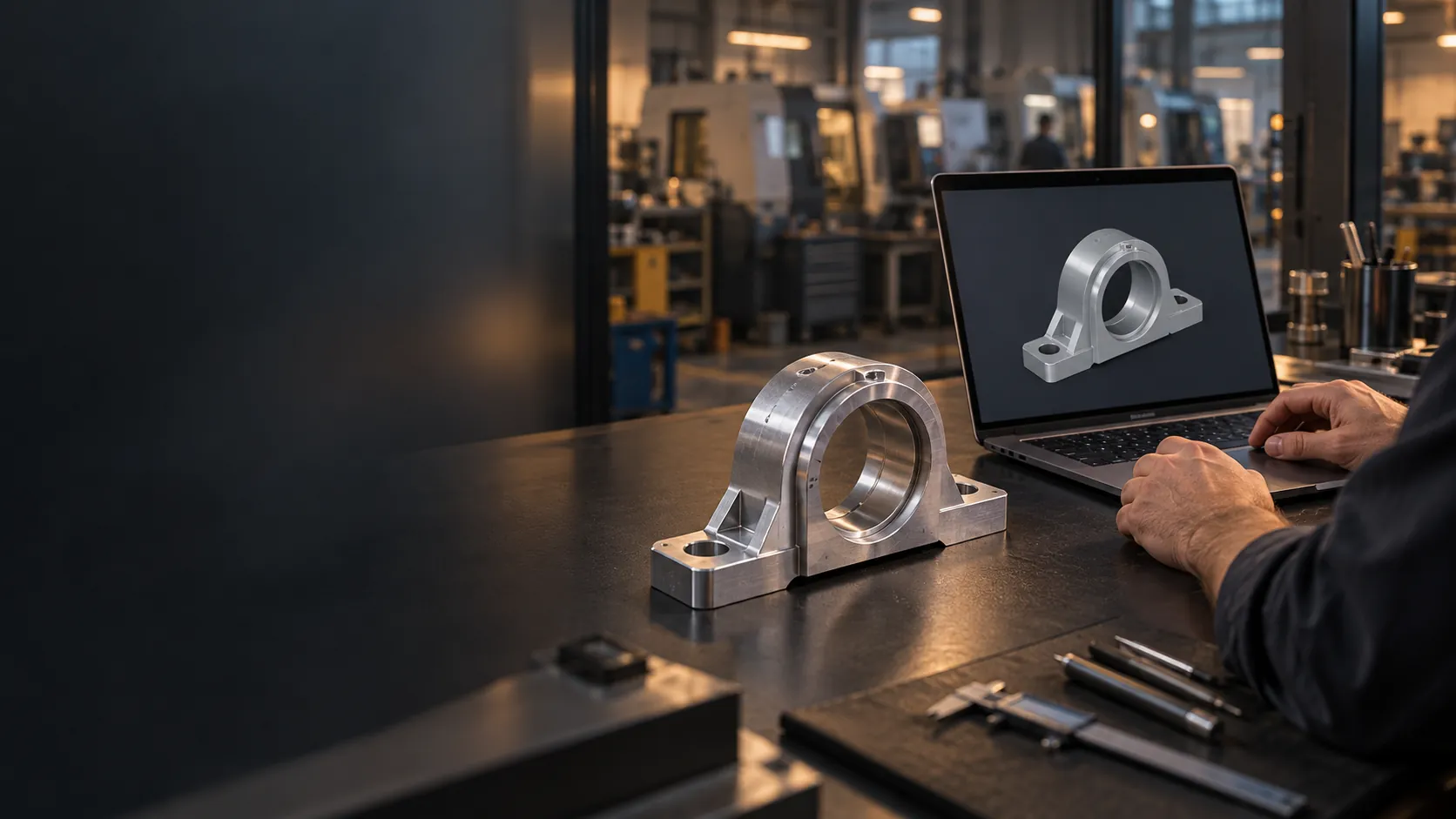
Send your machine shop or supplier a scan file alongside your measurements and requirements.
To quote a replacement or a new run, a supplier needs the part’s geometry. Measuring a complex part by hand is slow and misses freeform surfaces. Sending it to a scanning bureau means per-part fees, shipping and two to five business days of waiting.
Worn, obsolete or undocumented parts, scanned in-house. No drawings needed.
Brackets, hinges, housings and trim components, scanned to send to a supplier.
STL, with STEP also available. Configured to deliver by email or to a local USB.
No specialist and no calibration needed. On-screen steps guide every scan.
The kiosk captures the part. Your team decides what goes to the supplier.
Deep pockets, bores and hidden faces can need extra scans or another way of measuring.
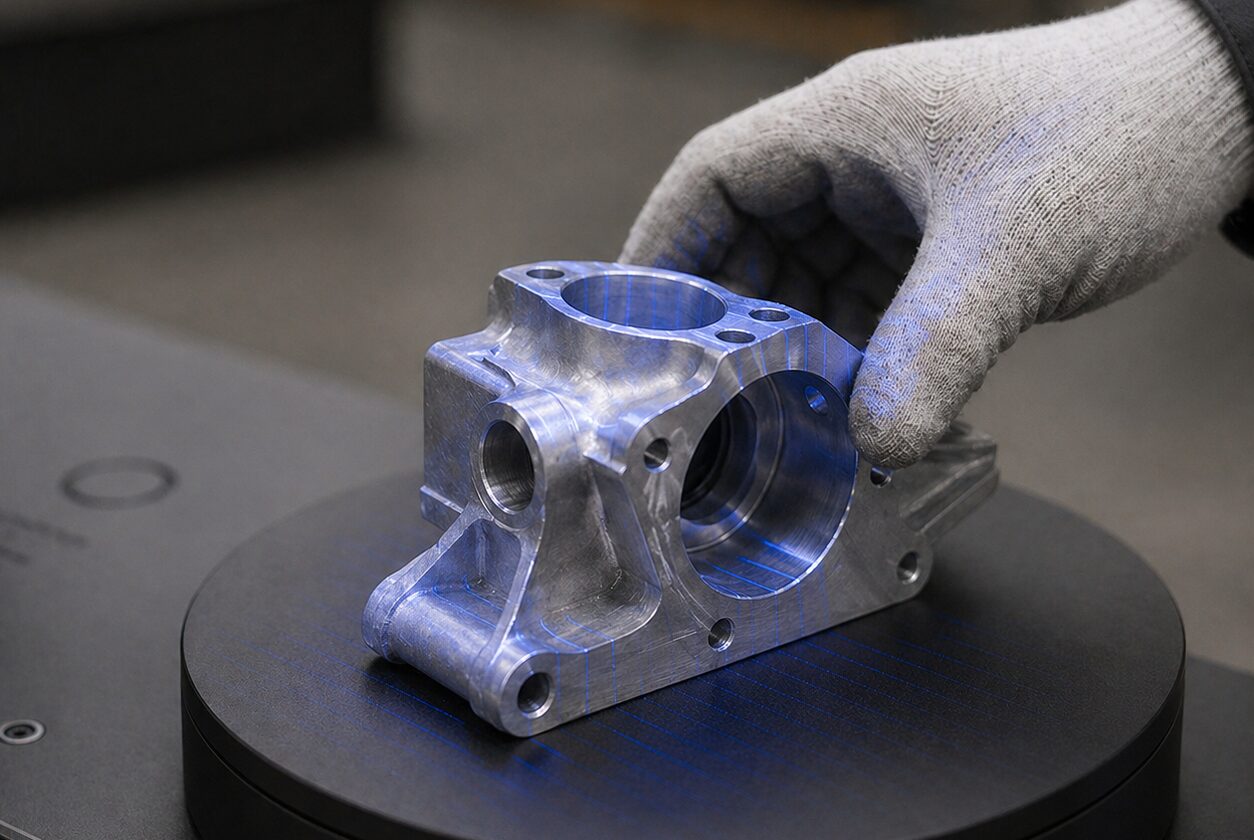
STL and OBJ, delivered by email or to a local USB. STEP, IGES and Parasolid export are also available.
No. You scan the part as it is. No drawings are needed to scan worn tooling, obsolete parts or fixtures.
It captures the part's surfaces in minutes. Deep pockets, bores and hidden faces can need extra scans or another way of measuring.
No. A scan is a file of the scanned shape. An editable, feature-based model with design intent is still built by your team in CAD software such as SolidWorks, Fusion 360 or CATIA.
Yes. Book a live demo by video, on a sample part or one of your parts shipped to us ahead of time, or in person by appointment at our Toronto office. Then prove it at your facility with a 90-day pilot, with fees quoted in writing before you sign.
Start with a live demo, by video on a sample part or one of your parts shipped to us ahead of time, or in person by appointment at our Toronto office. Then prove it at your facility with a 90-day pilot.