From Physical Part to CAD Model
Reverse Engineering and Scan to CAD
Scan worn, obsolete or undocumented parts in-house, then model them in CAD. No drawings and no bureau wait.
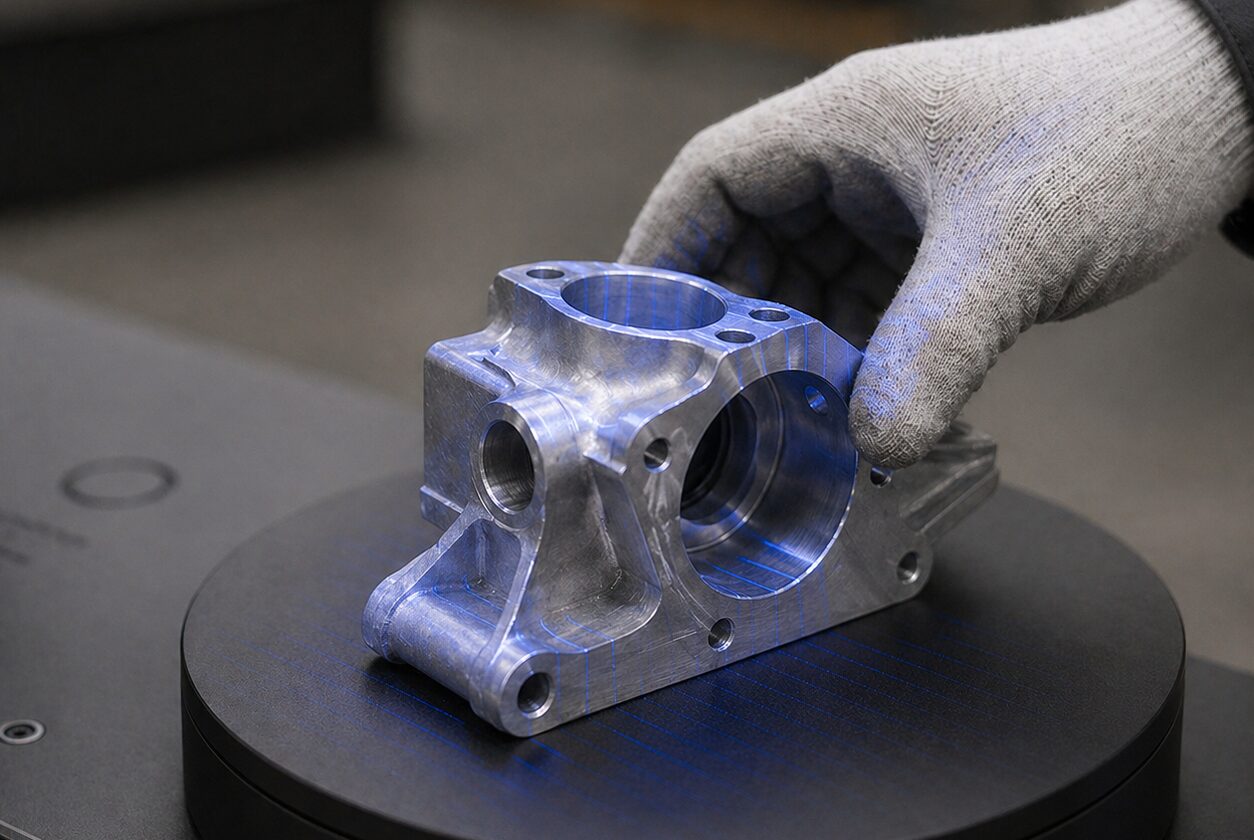
Scan worn, obsolete or undocumented parts in-house, then model them in CAD. No drawings and no bureau wait.
Measuring a complex part by hand is slow and misses freeform surfaces. Sending it to a scanning bureau means per-part fees, shipping and two to five business days of waiting. A ScanHub kiosk at your facility captures the part’s surfaces in minutes, whenever your team needs it. Deep pockets, bores and hidden faces can need extra scans or another way of measuring.
Recreate parts and fixtures that are no longer made, or never had drawings, from the part itself.
Scan worn tooling and die components as they are now, so your team has the geometry to rebuild them.
Start a redesign from the real part, not a guess. Faster cycles for modifications and tooling updates.
Brackets, hinges, housings and trim components, scanned to send to a supplier or to model a replacement.
Any team member can run a scan with on-screen steps. Turning that scan into an editable CAD model is a separate modelling step.
Choose the kiosk size that matches the parts your team reverse engineers most.
| Size | Scan volume | Typical parts |
|---|---|---|
| S | 3 x 3 x 2 cm (1.2 x 1.2 x 0.8 in) | Connectors, fasteners, small tooling components |
| M | 23 x 23 x 12 cm (9.1 x 9.1 x 4.7 in) | Brackets, housings, valves, fittings, gears |
| L | 32 x 32 x 13.5 cm (12.6 x 12.6 x 5.3 in) | Pump housings, manifolds, die components, large flanges |
| XL | 45 x 45 x 16 cm (17.7 x 17.7 x 6.3 in), limited availability | Large castings, large tooling, motor assemblies |
Want to know how a kiosk compares with what you pay a bureau today? Send us your scanning frequency and costs and we will build an individual cost comparison. Ask us.
ScanHub delivers mesh files (STL and OBJ), with STEP, IGES and Parasolid export also available. These are files of the scanned shape: an editable, feature-based model with design intent is still built by your team in CAD software such as SolidWorks, Fusion 360 or CATIA.
No. That is the point of reverse engineering with a scan: you capture worn tooling, obsolete parts and fixtures as they are, then model from the scan data instead of from drawings that no longer exist.
ScanHub kiosks come in four sizes, from fine parts up to 3 cm (1.2 in) to large castings up to 45 cm (17.7 in). The extra large size has limited availability. Not sure if your part fits? Ask us.
ScanHub offers HD for most parts, XHD for more detailed surfaces and UHD for complex geometry and fine features. Higher resolutions capture more detail but produce larger files, so pick the lowest resolution that captures the features you need to model.
Start with a live demo, by video on a sample part or one of your parts shipped to us ahead of time, or in person by appointment at our Toronto office. Then prove it at your facility with a 90-day pilot.