Scan It. Print It.
3D Scanning for 3D Printing
Turn a part into an STL file in minutes on a ScanHub kiosk at your own shop. No scanner to buy. Develop products faster.
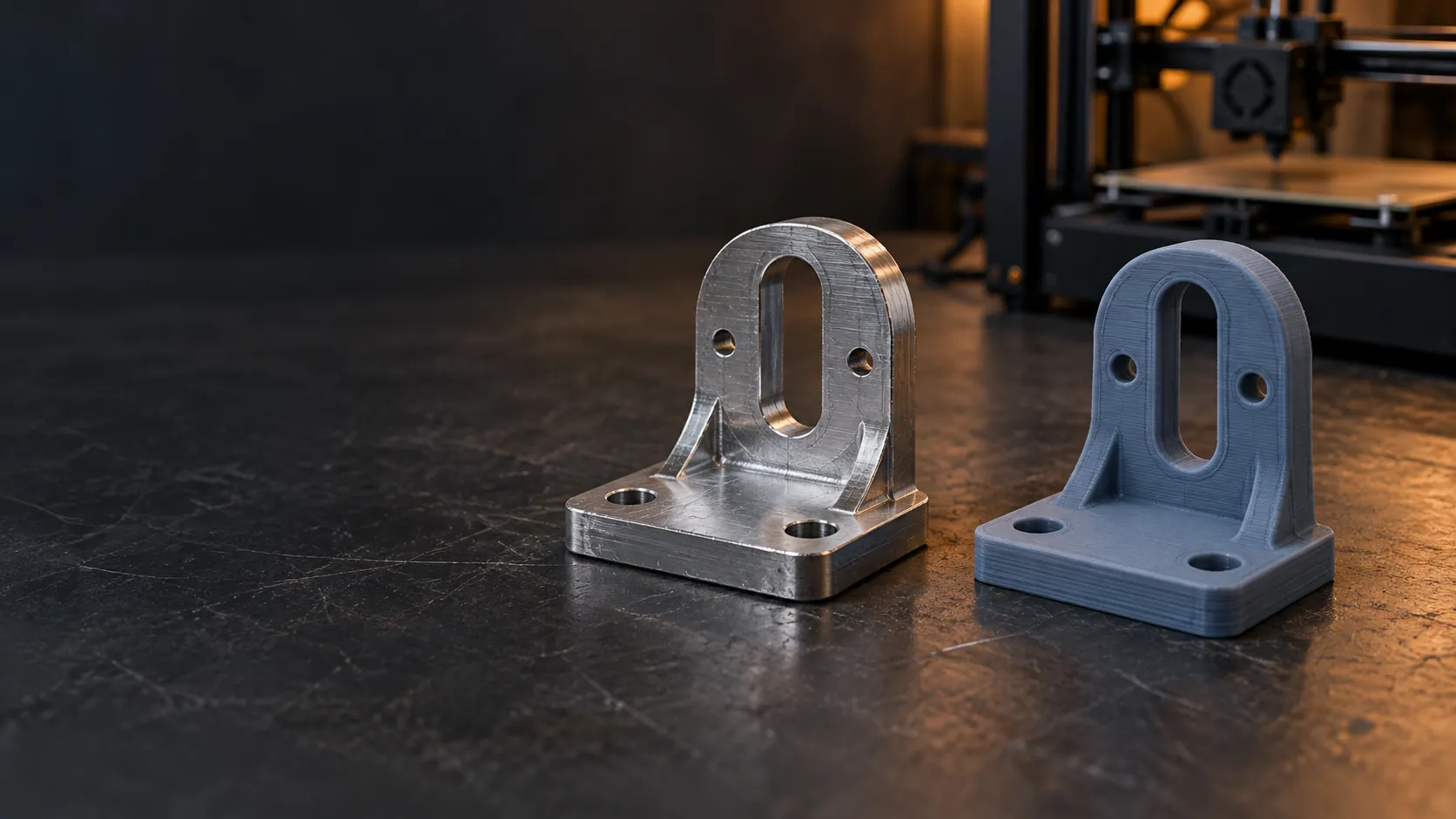
Turn a part into an STL file in minutes on a ScanHub kiosk at your own shop. No scanner to buy. Develop products faster.
A 3D scan gives you a digital copy of a real object, so you can reproduce it, modify it or keep it on file. Most scans need some mesh clean-up before they print well.
Scan a hard-to-find part as the starting point for a replacement. Repair broken areas before you print.
Bring physical prototypes and references into your design workflow as reference geometry.
Turn physical work into a digital file you can archive, reproduce, modify, 3D print or sell, or keep on file.
Rings, clasps, figurines and small custom parts captured in fine detail, ready to reproduce or print.
Place the object, follow the prompts and get your STL in minutes.
Running a design or fabrication business that prints regularly? A ScanHub kiosk on a monthly plan can live at your shop.
An STL file, the standard format 3D printing software works with, delivered by email or to a local USB after the scan. Plan on some mesh preparation before printing, such as closing small holes and checking wall thickness. STEP export is also available.
Not directly. The scan copies the part as it is, cracks and missing pieces included. The damaged area has to be repaired in the mesh or remodelled in CAD before printing, and parts that must fit or carry load need a design check too.
Yes. ScanHub is installed at your facility on a monthly fee, with no capital purchase, and maintained by our team. Start with a live demo on one of your parts, then a 90-day pilot.
ScanHub kiosks scan objects from fine parts up to 3 cm (1.2 in) to larger pieces up to 45 cm (17.7 in). Tell us the size of the parts you scan most and we match the right kiosk size.
No. Place your object on the turntable and follow the on-screen steps. The kiosk does the rest, with no calibration and no specialist needed.
Start with a live demo, by video on a sample part or one of your parts shipped to us ahead of time, or in person by appointment at our Toronto office. Then prove it at your facility with a 90-day pilot.