Tool and Die, Mould Makers
Record Tooling Before and After Modification
Scan a tool before and after each change, so your team can compare the two.
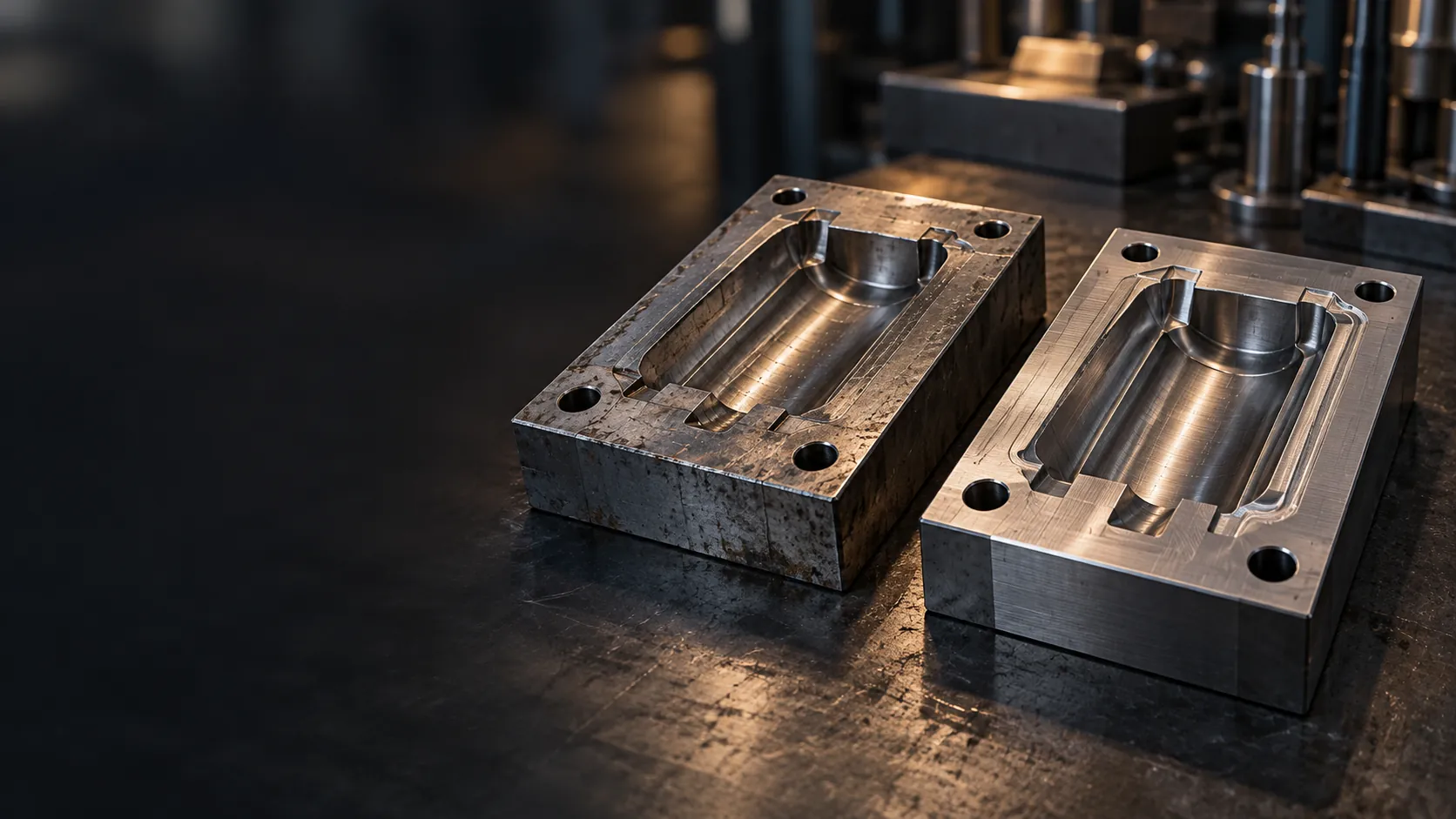
Scan a tool before and after each change, so your team can compare the two.
Tools are reworked, repaired and modified over their life, and the drawings do not always keep up. When the next change comes, your team starts by measuring the tool again. Measuring a complex part by hand is slow and misses freeform surfaces.
Scan the tool as it is, on the kiosk at your facility. No drawings needed.
Scan it again once the work is done, so the new state is on record too.
STL, with STEP also available. Configured to deliver by email or to a local USB.
No specialist and no calibration needed. On-screen steps guide every scan.
The kiosk captures the tool. What happens next stays with your team and your software.
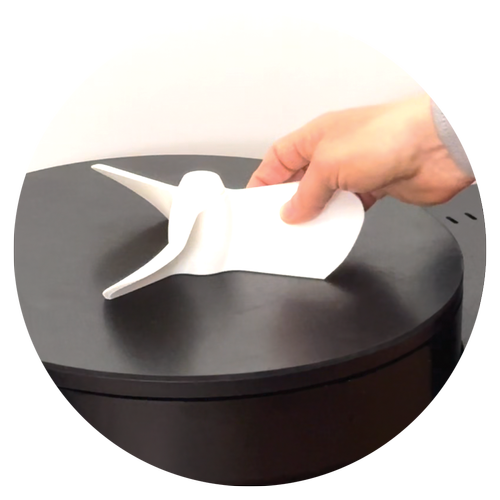
Choose the kiosk size that matches the tooling your team scans most.
| Size | Scan volume | Typical parts |
|---|---|---|
| S | 3 x 3 x 2 cm (1.2 x 1.2 x 0.8 in) | Connectors, fasteners, small tooling components |
| M | 23 x 23 x 12 cm (9.1 x 9.1 x 4.7 in) | Brackets, housings, valves, fittings, gears |
| L | 32 x 32 x 13.5 cm (12.6 x 12.6 x 5.3 in) | Pump housings, manifolds, die components, large flanges |
| XL | 45 x 45 x 16 cm (17.7 x 17.7 x 6.3 in), limited availability | Large castings, large tooling, motor assemblies |
No. You scan the tool as it is. No drawings are needed to scan worn tooling, obsolete parts or fixtures.
ScanHub kiosks come in four sizes, from small tooling components up to 3 cm (1.2 in) on the S to large tooling up to 45 cm (17.7 in) on the XL. The extra large size has limited availability. Not sure if your tool fits? Ask us.
STL and OBJ, delivered by email or to a local USB. STEP, IGES and Parasolid export are also available.
Anyone on your team. On-screen steps guide every scan, with no specialist and no calibration needed, on any shift.
Yes. Book a live demo by video, on a sample part or one of your parts shipped to us ahead of time, or in person by appointment at our Toronto office. Then prove it at your facility with a 90-day pilot, with fees quoted in writing before you sign.
Start with a live demo, by video on a sample part or one of your parts shipped to us ahead of time, or in person by appointment at our Toronto office. Then prove it at your facility with a 90-day pilot.